
Start with the purpose of each view
A CCTV system is useful when each camera has a clear job. One view may show general movement at a gate or entrance. Another may need enough detail to identify a face, vehicle or event. Those are different requirements and may need different positions.
Write down what needs to be seen before deciding the camera count. This keeps the discussion focused on useful footage instead of filling a standard package.
Plan views before choosing equipment
Walk through the property during the times that matter. Entrances, vehicle approach, side access, loading areas, counters or internal circulation may each need a different type of view.
For every proposed camera, confirm:
- the area or activity it needs to show;
- whether an overview or identification view is required;
- the likely subject distance and direction of movement;
- daylight, backlighting and night lighting;
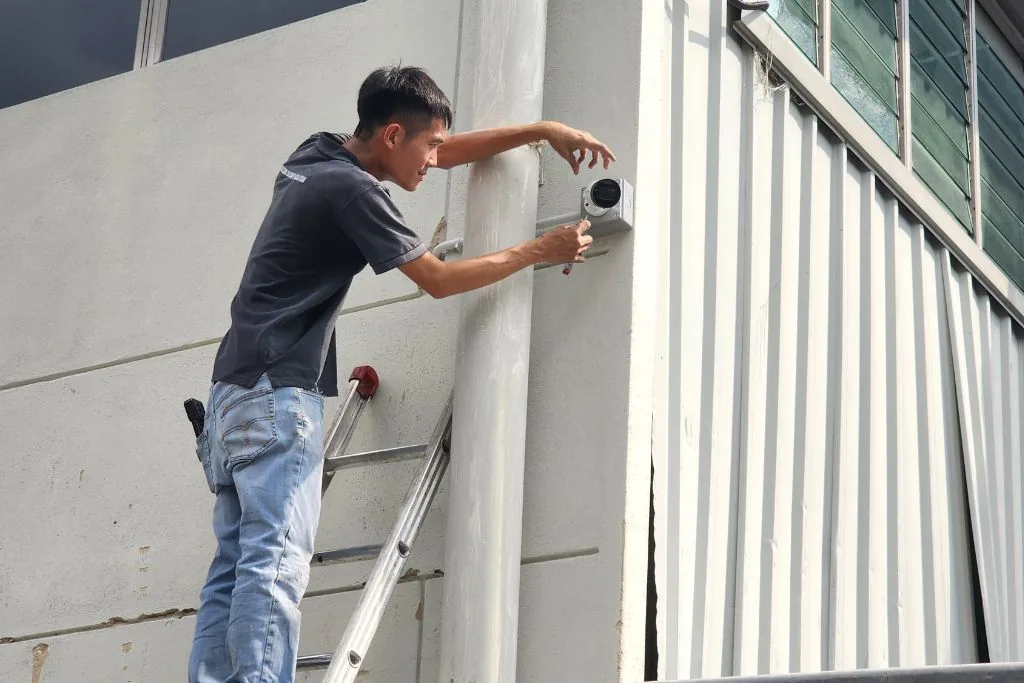
- weather exposure and a practical mounting position; and
- anything that could block the view later, such as a gate, awning, vehicle or growing plant.
Wired, IP and wireless systems
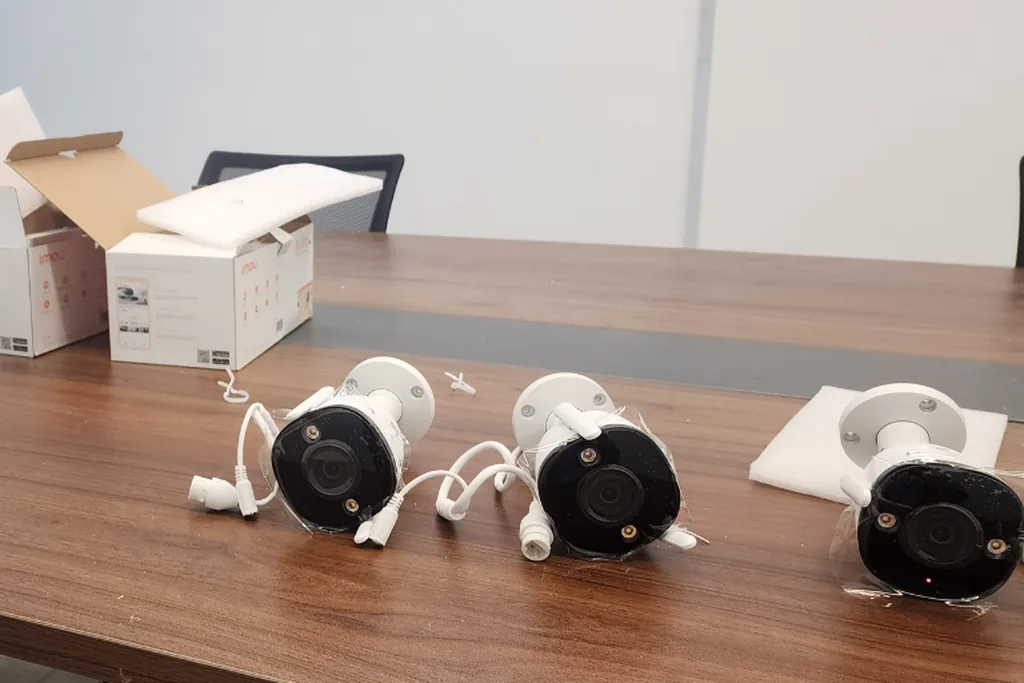
An existing analogue system may be reusable where the cabling and recorder are in suitable condition and compatible with the proposed equipment. An Internet Protocol (IP) system can carry video and, in many cases, power over network cabling, subject to cable distance, network design, switch capacity and recorder compatibility.
Wireless cameras can reduce data cabling in some finished properties, but they still need reliable power and network coverage. A wireless label does not remove the need to plan mounting, connectivity, recording and maintenance.
The practical choice follows the property, existing infrastructure and required views. It should not be based on the newest label alone.
Camera position and lighting affect detail
A camera mounted too high may show the top of a person's head instead of a useful face. A wide scene may show where something happened without capturing enough detail to identify it. Strong backlighting, reflections, headlights and very dark backgrounds can also reduce useful detail.
Number-plate capture at night is a specific requirement, not an automatic result of installing a high-resolution camera. Distance, angle, vehicle speed, headlight glare and lighting all need to be considered for that view.
Recording and storage need a clear requirement
Recording duration is affected by the number of cameras, image resolution, frame rate, compression, recording mode and storage capacity. A recorder should be sized against the required footage and retention approach rather than an unsupported promise of a fixed number of days.
Playback matters as much as recording. During handover, the responsible users should know how to find a time period, review an event and export footage using the functions included in the agreed system.
Remote viewing depends on the network and accounts
Remote viewing can be convenient, but it depends on the site's internet connection, network configuration, supported equipment and correctly managed user accounts. Confirm who should have access and avoid sharing one administrator account unnecessarily.
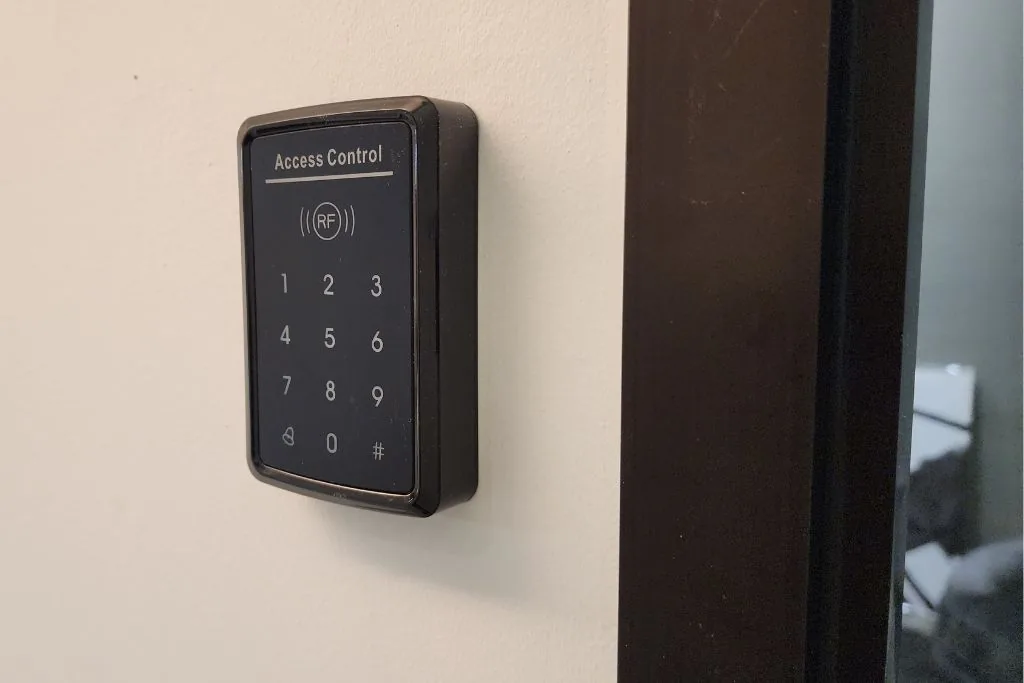
Passwords, account recovery and access removal are part of day-to-day operation. When a staff member or responsible user changes, update access instead of leaving old credentials active.
Privacy and responsible access
Camera views may include residents, workers, visitors, neighbouring property or public areas. Keep each view tied to a clear purpose and restrict footage to authorised users.
Homes and workplaces have different privacy, employment, signage and retention considerations. Where a legal or employment question applies, obtain advice appropriate to that situation rather than relying on the camera installer alone.
Installation and handover checks
A completed installation should be checked as a system, not only as individual cameras. Confirm the final views in daylight and relevant night conditions, the recorder time, recording status, playback, storage indication, user accounts and supported notifications.
Also confirm where power supplies, network equipment and the recorder are located, how they can be accessed for maintenance, and what the system does during a power or network interruption.
What to prepare before requesting an installation plan
- Property type and the areas that need coverage.
- The purpose of each required view.
- Existing cameras, recorder, cabling, network or power points.
- Relevant daytime and night-time conditions.
- Who needs live view, playback and administration access.
- The required recording and review routine.
- Any finished-wall, renovation or operating-hour constraints.
For property-specific planning in Klang Valley, review Nobel's CCTV installation service for homes and commercial properties. The Service page covers site assessment and installation; this guide remains focused on the decisions to prepare before that work is scoped.
Each view should answer a clear requirement.
The complete guide remains available.
The complete guide remains available.
The complete guide remains available.